 28 Hour Day
Your nights are yours
Live life with more time and energy.
The gym, the book, the recipe you saved. You want time for them, and enough energy to enjoy them. 28 Hour Day helps you stop losing your nights to doomscrolling and make room for rest.
Get an email when it’s ready.
Coming to the App Store. Free, with no account or subscription required.
One launch email. How we use your email.
● Less scrolling leaves more room for sleep and the day that follows.

Time you could spend differently
How much of your life is scrolling in bed costing you?
Think about the time you spend scrolling after you meant to go to bed. How much does that add up to?
Give some of those hours to rest or something you’ve been meaning to do.
Based on the same amount of scrolling every night for 365 days. Time saved depends on how your habits change.
How it works
Give the scroll a stopping point.
Choose when to call it a night
Set your bedtime, wake time, and active nights. Pick the apps that keep you up and allow Screen Time access so they can be blocked during that window.
Let bedtime be bedtime
When bedtime arrives, your chosen apps are blocked. A short unlock gives you 5 or 10 minutes when you need access, then blocking resumes. Choose the duration in Settings.
Notice how your mornings feel
Check in with how rested you feel. Look back at your nights and morning check-ins as you work toward a routine that leaves more room for rest.
Inside 28 Hour Day
See how your nights are changing.
Keep track of the nights you’ve protected and how you feel the next morning. These October 2026 app captures show example night history.

How did you sleep?
How rested do you feel this morning? Record your answer so you can look back over time.
Example check-in
See the nights you’ve protected
See your streak and protected nights as you build the habit of putting your phone down. The calendar keeps the day-by-day details.
Nights detail · Example historyTap any image to see the full simulator capture.
A little help winding down
Make it fit your evening.
Make the feed less inviting
Try a gray screen at bedtime. The optional guide walks you through two iPhone Shortcuts automations to turn color off at night and bring it back in the morning.
Plan something to wind down with
Choose a wind-down activity to turn to when you put your phone down. Optional reminders help you keep it in mind; widgets and Live Activities show your night’s status.
Compare with Apple Health
If you already have sleep data in Apple Health, you can compare it across protected and unlocked nights. This is optional, and the sleep data stays on your iPhone.
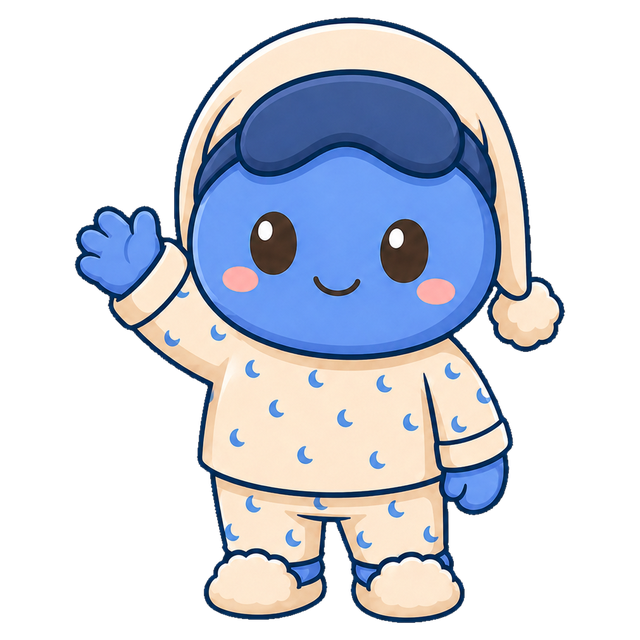
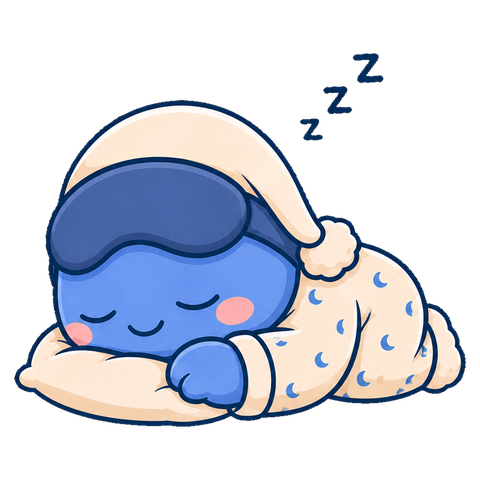
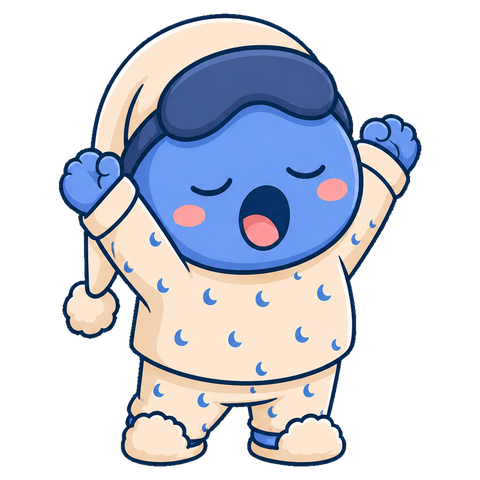
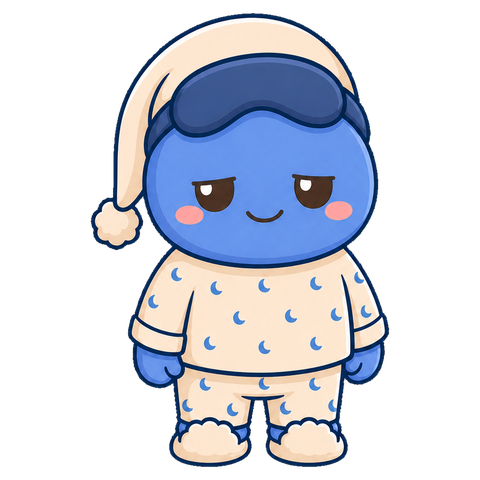
Meet Blu
Here for the rough mornings, too.
You’ll meet Blu when you wind down and check in the next morning. Some nights will go better than others. Tonight is another chance to make time for yourself.

Questions
Before you try it.
When can I get it?
28 Hour Day is coming to the App Store. Join the waitlist and we’ll email you when it’s available.
Can I still use a blocked app?
Yes. You can take a short unlock, set to 5 or 10 minutes in Settings. Blocking resumes afterward and ends at your scheduled wake time. If you block a whole category, a short unlock may apply to that category.
What does it cost?
The complete app is free to use, including optional Cloud Backup. No subscription or in-app purchase is required.
Do I need an account?
No. Your schedule and progress are saved on your iPhone. You can create an account in Settings if you’d like to back them up. Your Screen Time selections stay on your device. See our privacy policy for details.
Can I choose which nights it runs?
Yes. Set a bedtime and wake time, then choose the days that schedule applies to. The sleep window can cross midnight. You can change it in Settings.
Does it track my sleep?
The app doesn’t record sleep itself. Morning check-ins reflect how rested you say you feel. With your permission, it can also compare sleep already recorded in Apple Health. It isn’t a medical or treatment tool.
Which phones does it work on?
28 Hour Day is for iPhone running iOS 17.2 or later. Blocking needs Screen Time permission. Notifications and Apple Health access are optional.

Make room for the life you want to live.
More time for what you care about, and the energy to enjoy it. Join the waitlist and we’ll let you know when 28 Hour Day is ready.
One launch email. How we use your email.